Generate a key pair
Every signer needs their own key pair. This guide walks you through creating one.
Prerequisites
- The
asfaload-clibinary is installed and in yourPATH.
Steps
1. Choose a directory
By default the keys are generated in the current directory. A common convention, used throughout this guide, is to keep them together in ~/.asfaload/:
mkdir -p ~/.asfaload
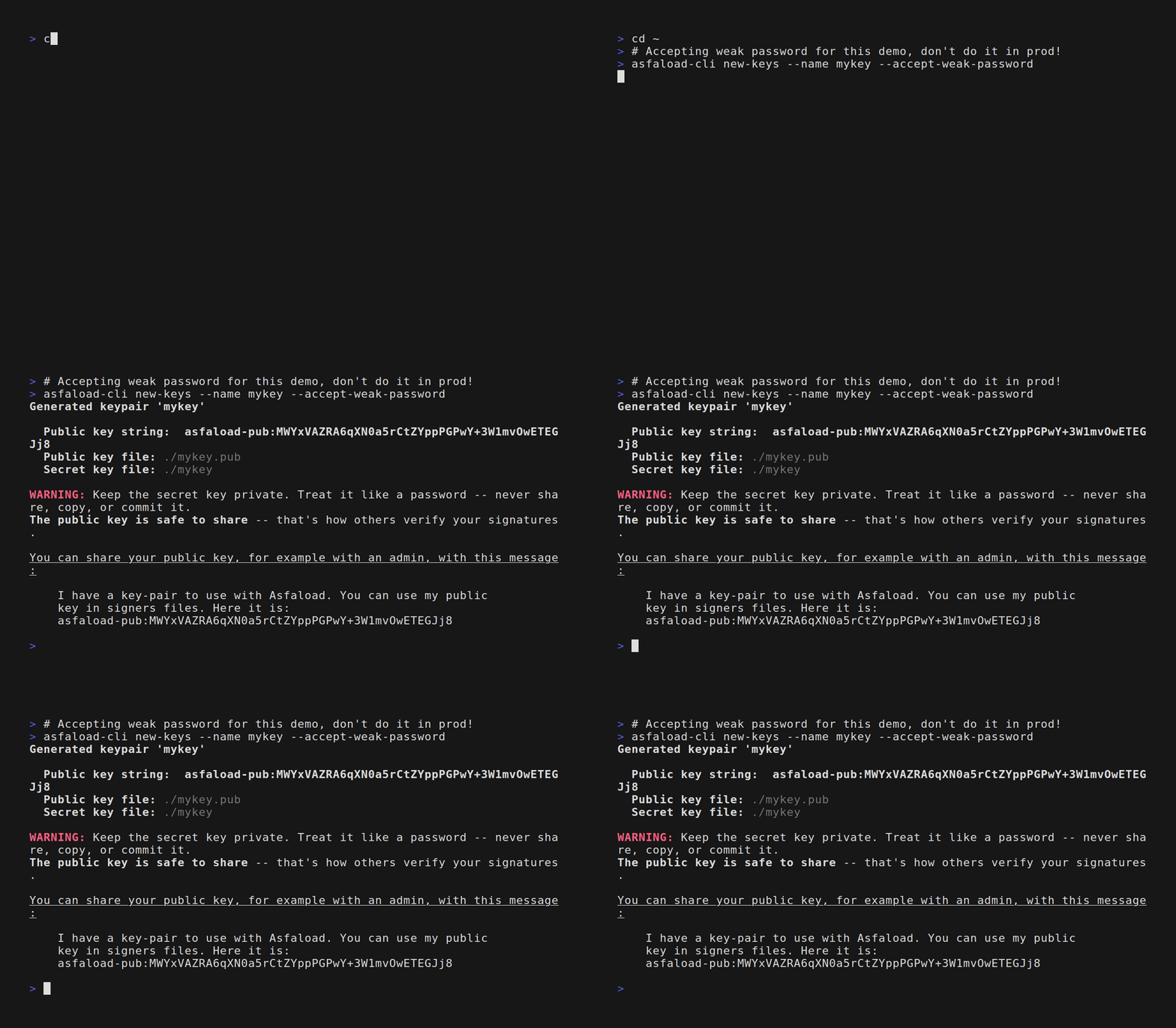
2. Generate the key pair
asfaload-cli new-keys --name mykey --output-dir ~/.asfaload
Omit --output-dir to create the keys in the current directory instead.
You’ll be prompted for a password to protect the secret key. Pick a strong one — this password is required every time you sign.
This creates two files:
| File | Purpose |
|---|---|
~/.asfaload/mykey | Secret key (keep this safe) |
~/.asfaload/mykey.pub | Public key (share with your team) |
3. Verify the output
ls ~/.asfaload/mykey*
You should see both mykey and mykey.pub.
Non-interactive usage
For CI or scripting, pass the password directly:
asfaload-cli new-keys --name ci-key --output-dir ./keys --password "$KEY_PASSWORD"
Or read the password from a file with --password-file (-P):
asfaload-cli new-keys --name ci-key --output-dir ./keys --password-file /run/secrets/key-password
The file should contain the password on a single line. Trailing newlines are stripped.
Or fetch the password from a password manager (or any external command) with --password-command (-c). The command’s standard output is used as the password:
asfaload-cli new-keys --name ci-key --output-dir ./keys \
    --password-command "pass show asfaload/ci-key"
The command string is parsed with shell-style quoting, but no shell is spawned — pipes and redirections don’t apply. Trailing newlines are stripped from the command’s output.
The password file and password command can also come from environment variables — ASFALOAD_PASSWORD_FILE and ASFALOAD_PASSWORD_COMMAND:
export ASFALOAD_PASSWORD_FILE="/run/secrets/key-password"
asfaload-cli new-keys --name ci-key --output-dir ./keys
The command-specific ASFALOAD_NEW_KEYS_PASSWORD and ASFALOAD_NEW_KEYS_PASSWORD_FILE are also still honoured (at lower precedence):
export ASFALOAD_NEW_KEYS_PASSWORD="$KEY_PASSWORD"
asfaload-cli new-keys --name ci-key --output-dir ./keys
Next step
Share your public key with whoever maintains the signers file. Use the share-key command to format it — see Share a public key. They’ll include it when creating the signers file.